Local API
I built a Python backend that queues downloads and exposes a local API.
A desktop queue for files, media and torrents.
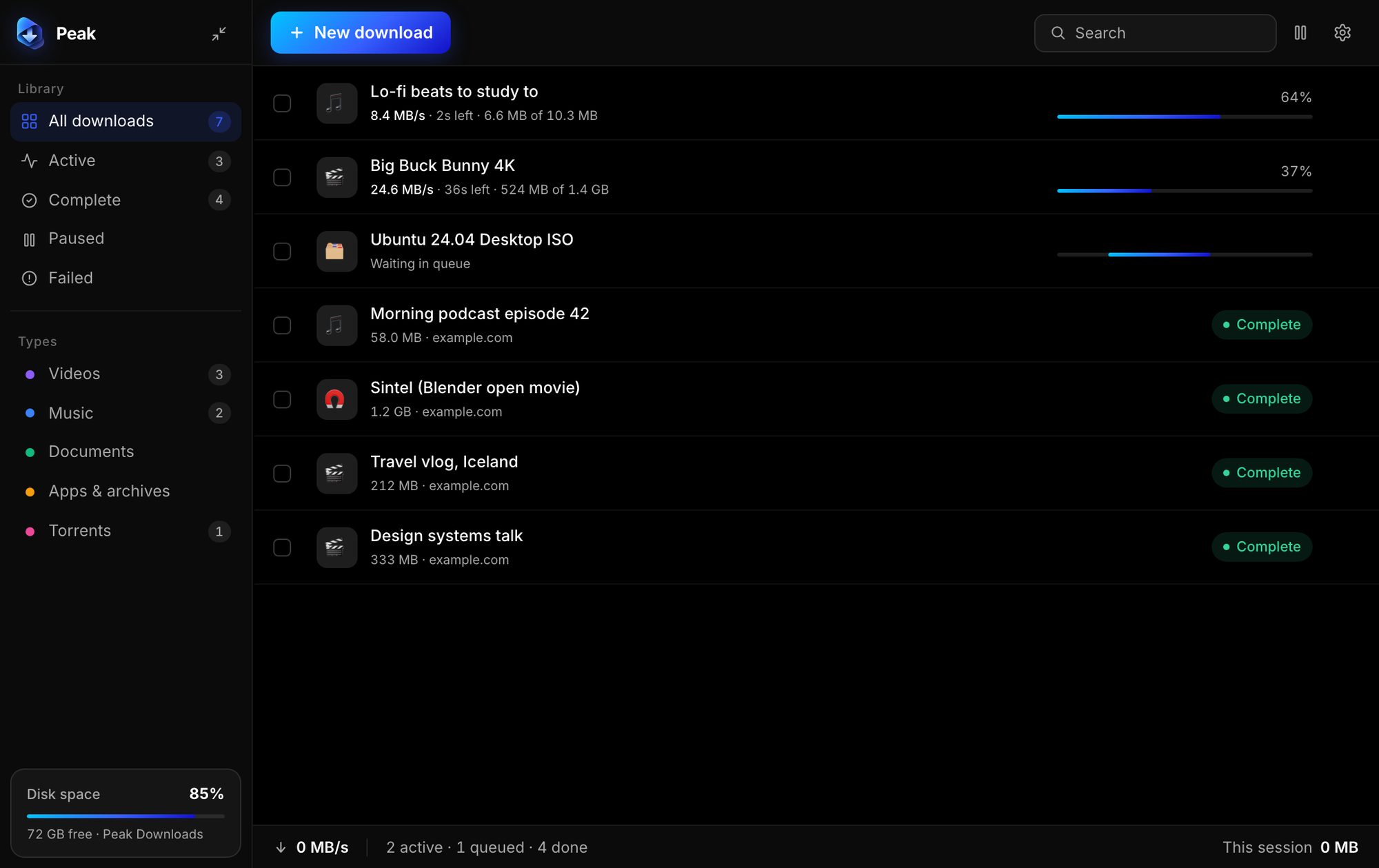
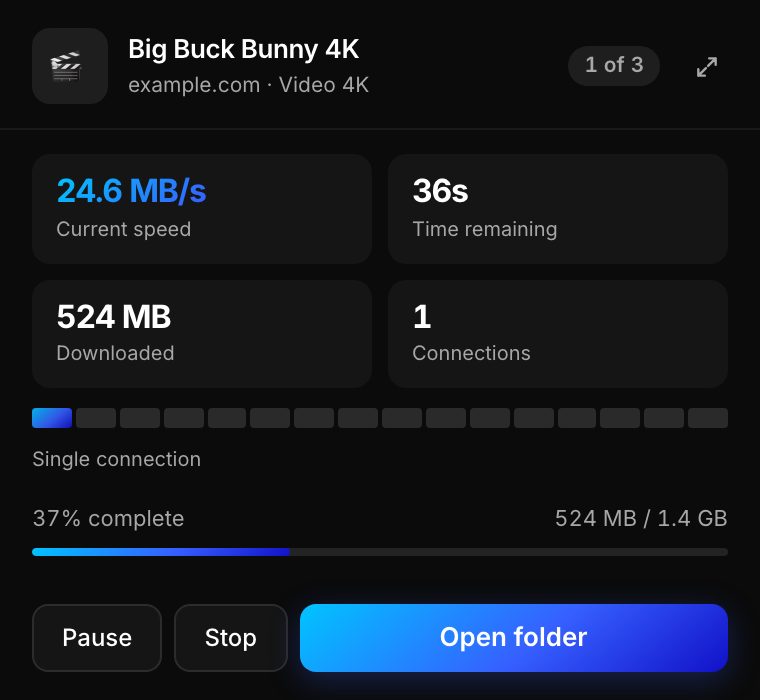
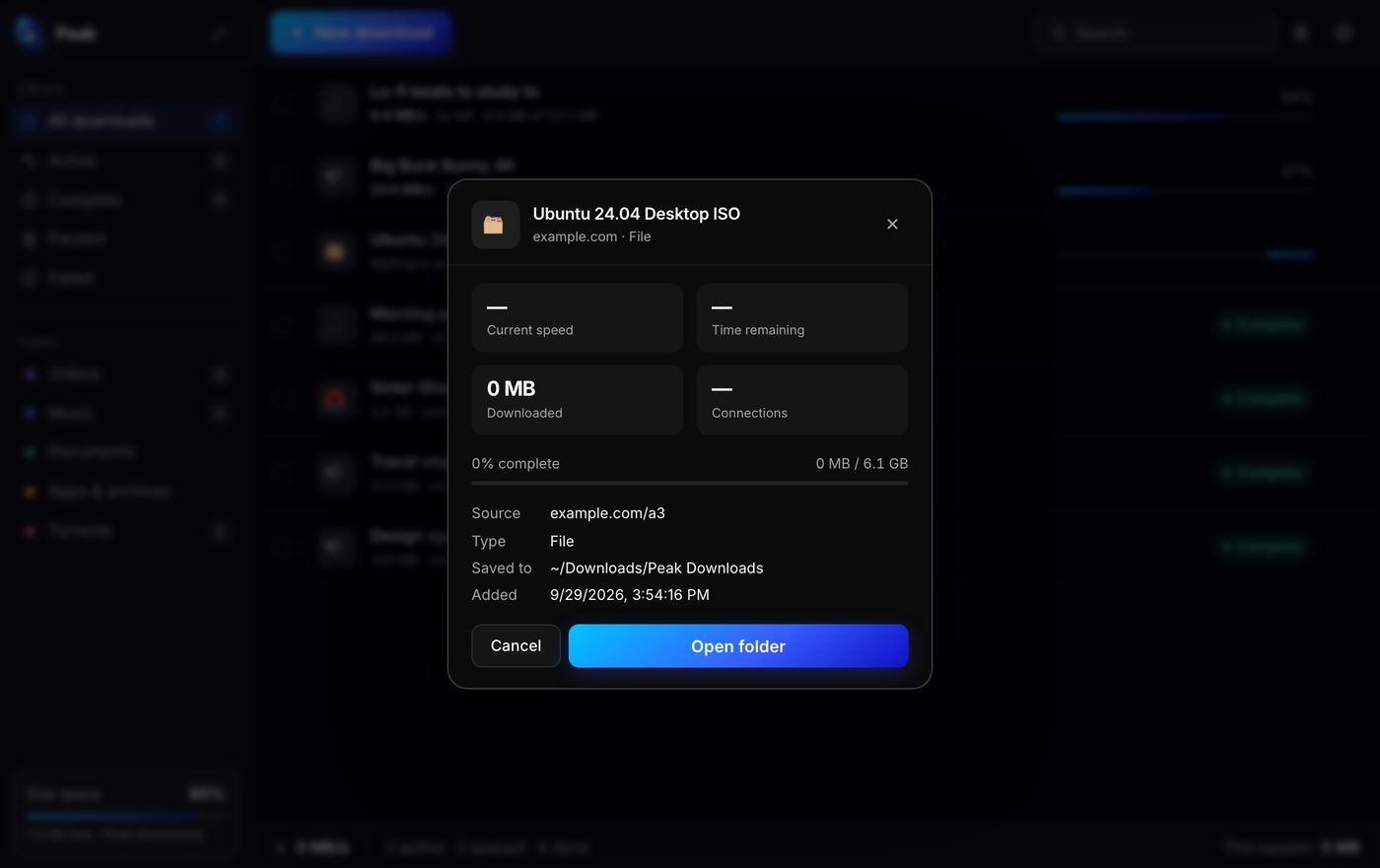
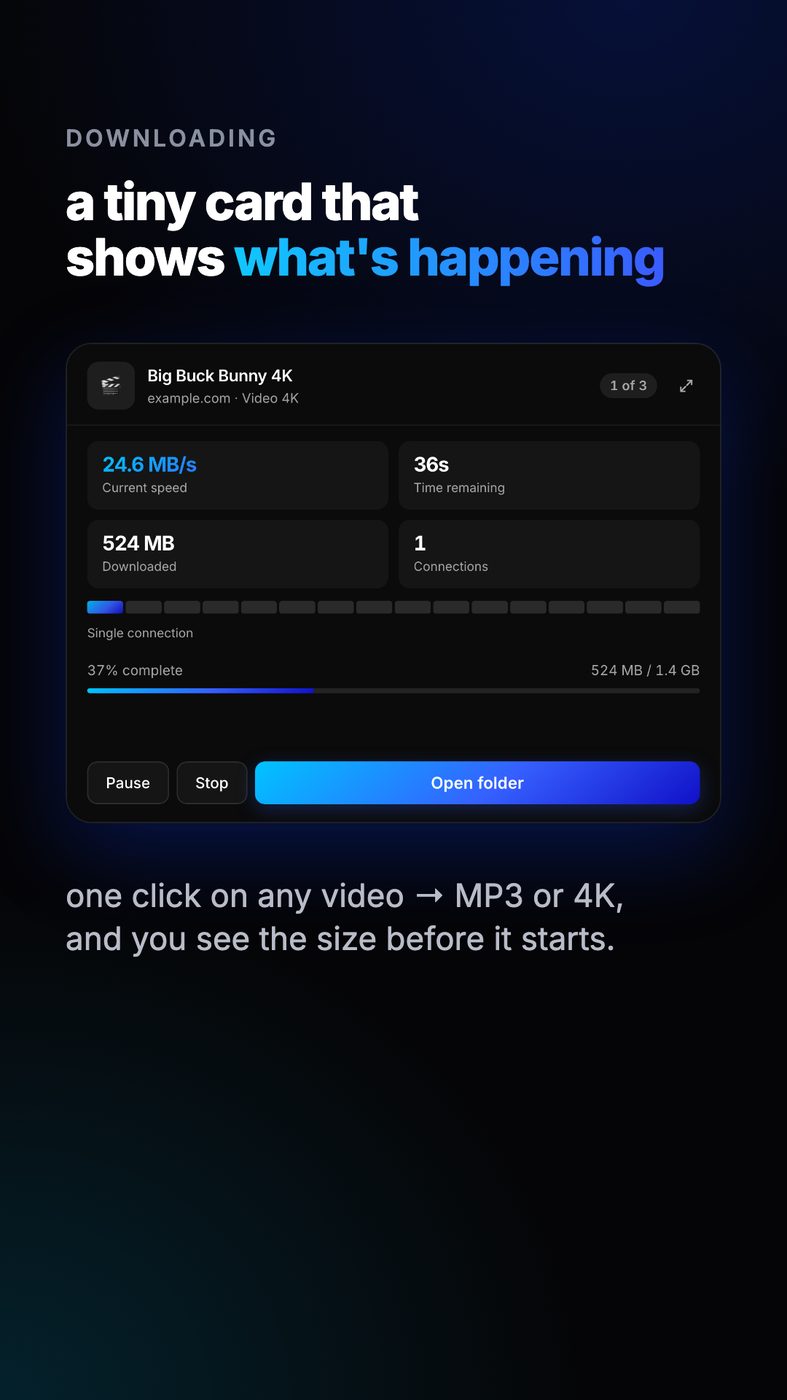
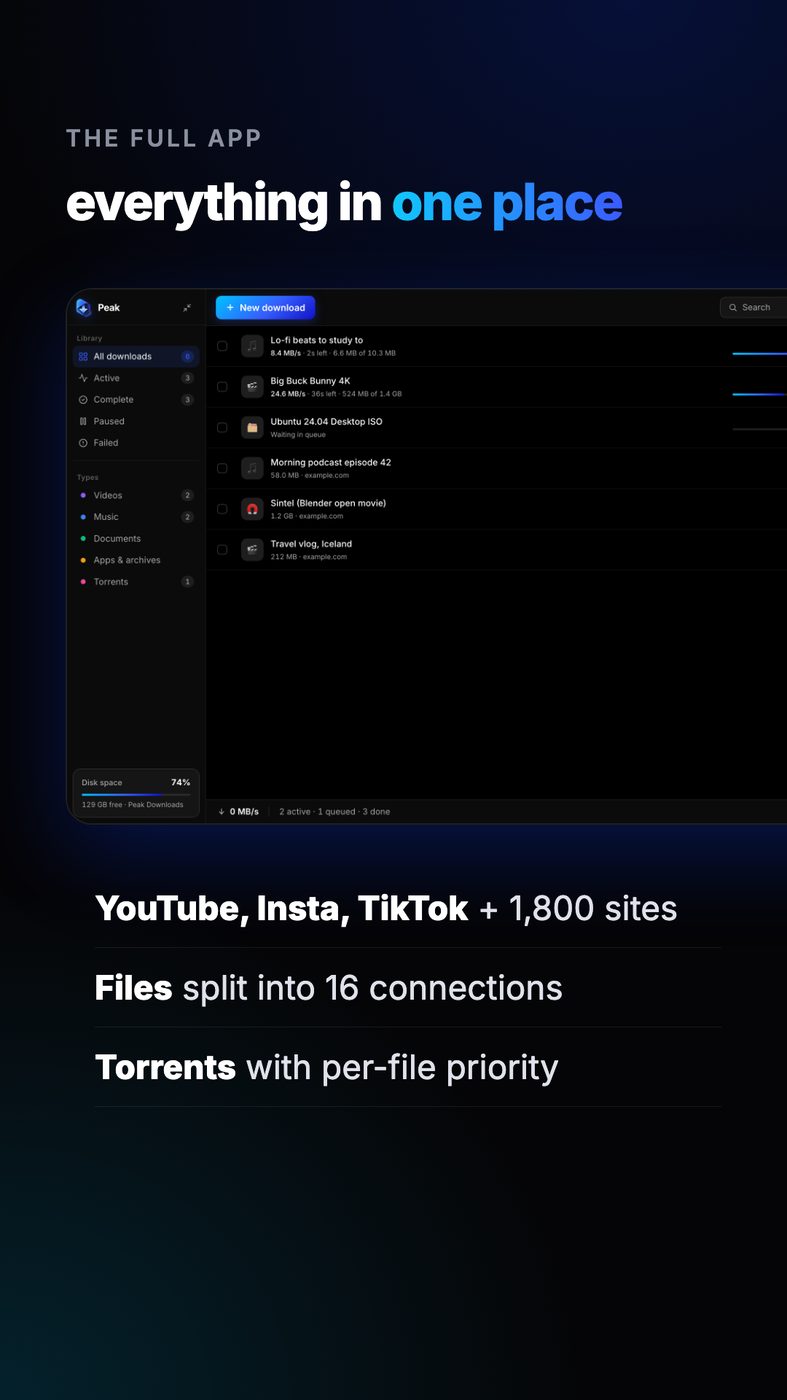
I built a desktop download manager for macOS and Windows with a companion Chrome extension. I connected media, file and torrent downloads to one queue and added progress views for each job.
I built a Python local API that queues media, file and torrent downloads.
I made one HTML and JavaScript interface serve both desktop apps and the browser extension.
I connected a native Swift macOS shell and a Windows shell with installer support.
I integrated yt-dlp and FFmpeg for media, aria2 for files and libtorrent for torrents.
I built a Python backend that queues downloads and exposes a local API.
I made an HTML and JavaScript interface for desktop apps and the browser extension.
I built a native Swift macOS shell and a Windows shell with installer support.
I added video controls, context-menu actions and magnet-link handling to the Chrome extension.